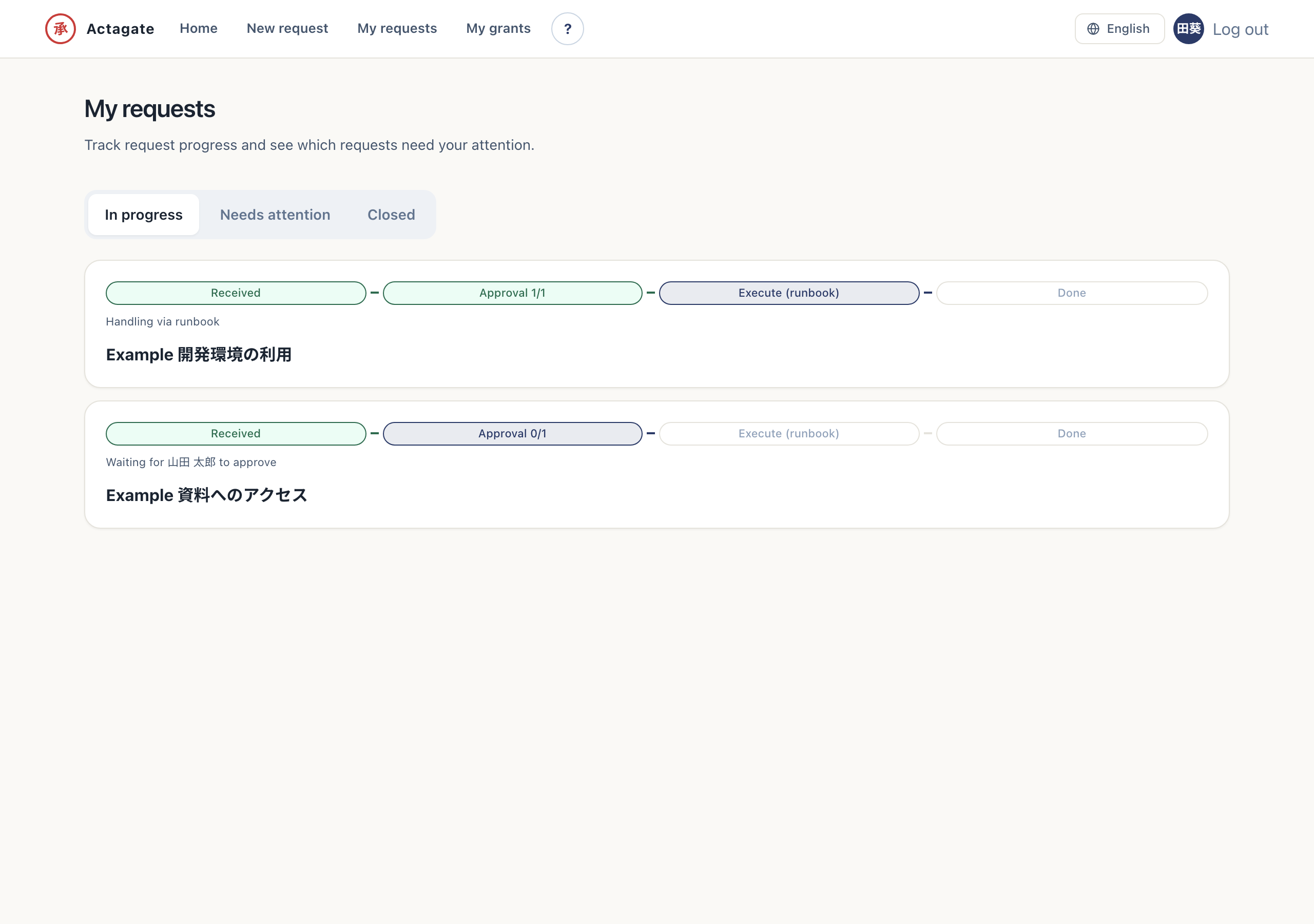
For requesters who use Slack. Submit a standard request and check its receipt and progress.
Submit from Slack
- Run
/actagatein Slack. “Request catalog” opens. - Select a catalog and press “Continue”. “Request form” opens.
- Complete the required fields and press “Submit request”. You receive a receipt DM with the request ID and approval route.
- Check DM notifications or progress and details. You can see the current approval and execution status.
You can also start on the Web from the “Frequently used” suggestions under the search box on Home, from “Browse by category”, or from the “New request” screen.
The approver’s DM card shows the requester, changes, cost, expiry, and “✅ Approve”, “❌ Reject”, and “↩️ Return”.